
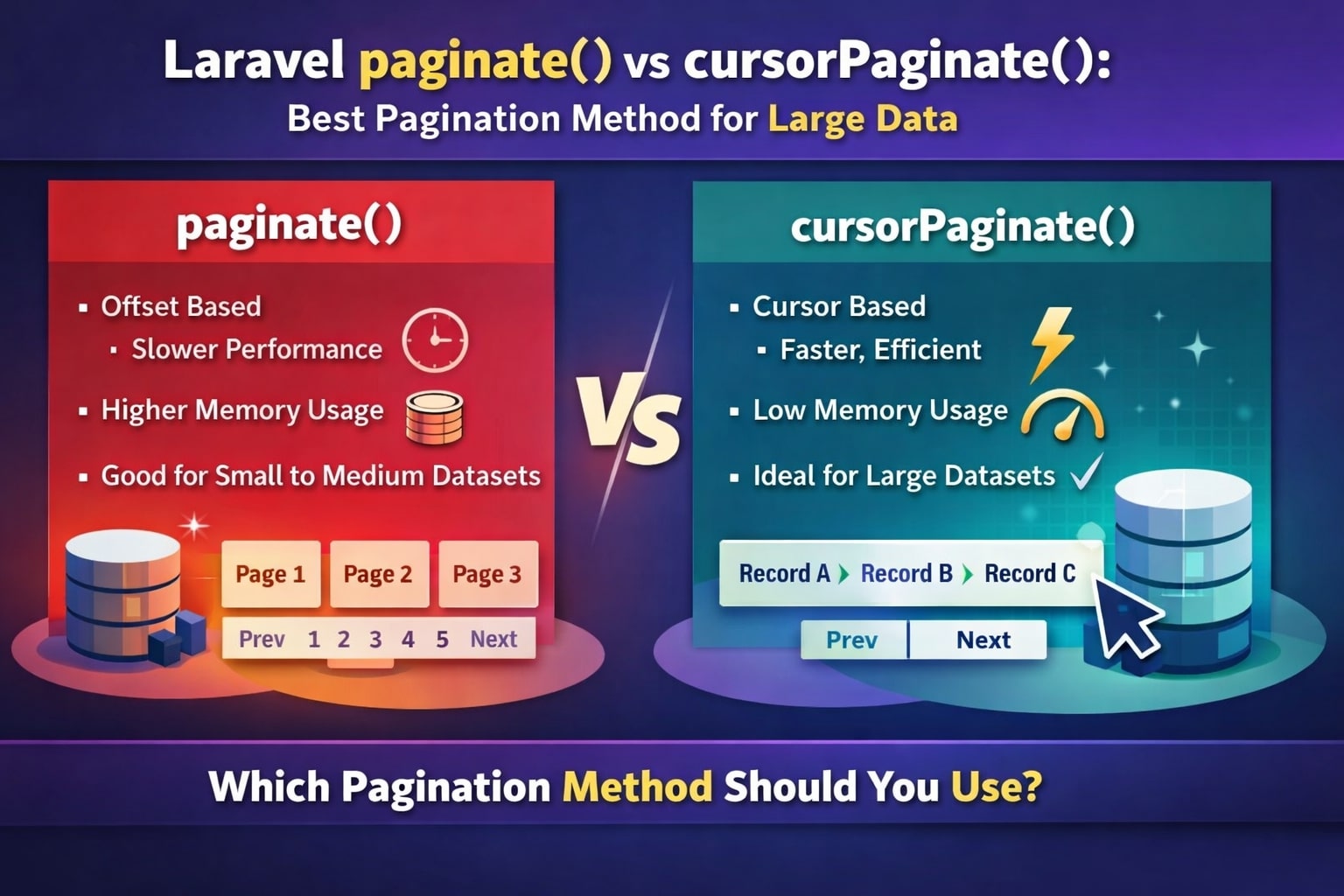
When a table grows from a few hundred rows to hundreds of thousands, pagination stops being “just a helper” and becomes a performance decision. In Laravel, the two main options you will reach for are paginate() (offset-based) and cursorPaginate() (cursor-based).
This guide explains both approaches, how they work under the hood, and when to choose one over the other in real projects.
Quick recap: what is pagination?
Pagination splits a large result set into smaller pages so the user never has to load everything at once. Laravel ships with multiple pagination helpers built into Eloquent and the query builder.
Common methods are:
paginate()– classic, offset-based pagination with full meta (total, last page, etc.).simplePaginate()– similar topaginate()but lighter, without total count.cursorPaginate()– cursor-based pagination optimized for large or frequently changing datasets.
paginate(): classic offset pagination
paginate() is the familiar “page 1, 2, 3…” style pagination most apps start with.
How paginate() works
Under the hood, Laravel generates SQL with LIMIT and OFFSET, plus an extra query to count total rows.
$users = User::paginate(10); // 10 records per page
This gives you:
- A collection of models for the current page.
- Metadata like
total,per_page,current_page,last_page. - Ready-made Blade links:
{{ $users->links() }}
When paginate() is a good fit
Use paginate() when:
- The dataset is small to medium sized (e.g., admin tables, reports).
- Users need to jump directly to a page (1, 5, 10, last).
- You care about seeing “Showing 1–10 of 243 results” style information.
For dashboards, CMS-style back offices, and rarely changing tables, paginate() is usually enough.
cursorPaginate(): pagination for big and “live” data
cursorPaginate() was added to solve performance and consistency issues that appear with offset pagination on large or highly dynamic tables.
How cursorPaginate() works
Instead of skipping N rows with an offset, cursor pagination remembers the last item and continues from there.
$users = User::orderBy('id')->cursorPaginate(10);
The generated SQL looks like:
SELECT * FROM users
WHERE id > last_seen_id
ORDER BY id
LIMIT 10;
The “cursor” travels in the URL as an encoded string (e.g., ?cursor=eyJpZCI6MTUsIl9wb2ludHNUb05leHRJdGVtcyI6dHJ1ZX0). Laravel decodes that and knows where to resume.
In Blade you might do:
@foreach ($users as $user)
    <p>{{ $user->name }}</p>
@endforeach

@if ($users->previousPageUrl())
    <a href="{{ $users->previousPageUrl() }}">Previous</a>
@endif

@if ($users->nextPageUrl())
    <a href="{{ $users->nextPageUrl() }}">Next</a>
@endif
When cursorPaginate() shines
Cursor pagination is ideal when:
- The table is huge (hundreds of thousands or millions of rows).
- You implement infinite scroll or “Load more” APIs.
- New rows are inserted frequently, and you want to avoid users seeing duplicates or missing records when they move to the next page.
This approach avoids scanning and skipping a large number of rows and does not need a full count query, which makes it far more scalable.
Key differences at a glance
Behaviour comparison
| Aspect | paginate() (offset) | cursorPaginate() (cursor) |
|---|---|---|
| Pagination style | Page numbers (?page=3) | Cursor token (?cursor=.exndjd..) |
| SQL pattern | LIMIT + OFFSET | WHERE column > last_value LIMIT N |
| Total rows / last page | Available (total, last_page) | Not available by default; no total count |
| Performance on big data | Degrades as page number grows (large offsets) | Stable even on very large tables |
| Consistency on live data | Can repeat or skip rows if new data is inserted | More consistent because it anchors to a specific record position |
| Direction | Can go forward and backward with page numbers | Primarily forward; backward support is more limited and implementation-specific |
| Typical use cases | Admin panels, reports, small/medium datasets | APIs, infinite scroll, timelines, activity feeds, massive tables |
Choosing the right method
A simple rule of thumb for your own article or codebase:
- Prefer
paginate()when:- The table is not massive.
- You want total counts and numbered navigation.
- Prefer
cursorPaginate()when:- You work with large or frequently updated data.
- You build APIs, mobile feeds, or infinite scroll where performance is critical.
You can also mix both in the same project: paginate() for admin UIs and cursorPaginate() for public, high-traffic endpoints.