
Minecraft Java Edition is well-known for its unique gameplay, mods, and data tracking functionalities. Players mostly employ pie charts to illustrate the data that they have collected in the game, such as resource distribution, biome percentages, or inventory usage. Nevertheless, it is very irritating when your pie chart does not show up.

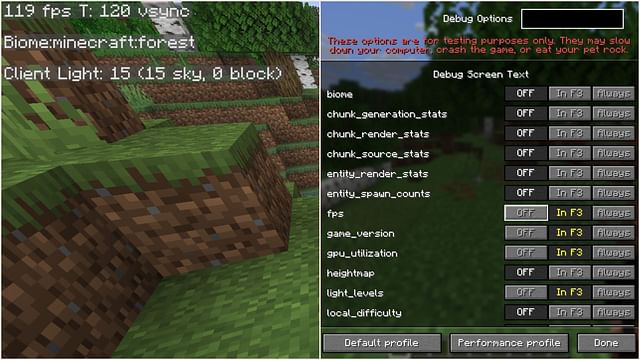
Minecraft Java Edition Pie Chart Not Visible? (Fixes That Actually Work)
If you’re playing Minecraft Java Edition and the debug pie chart isn’t showing up, it can be frustrating—especially when you’re trying to fix lag or performance drops. The pie chart is an advanced profiler tool that shows exactly where your game is spending processing power.
In this guide, you’ll learn why the Minecraft pie chart is not visible, how to enable it step by step (with screenshot references), and proven fixes that work in 2026.
What Is the Minecraft Debug Pie Chart?
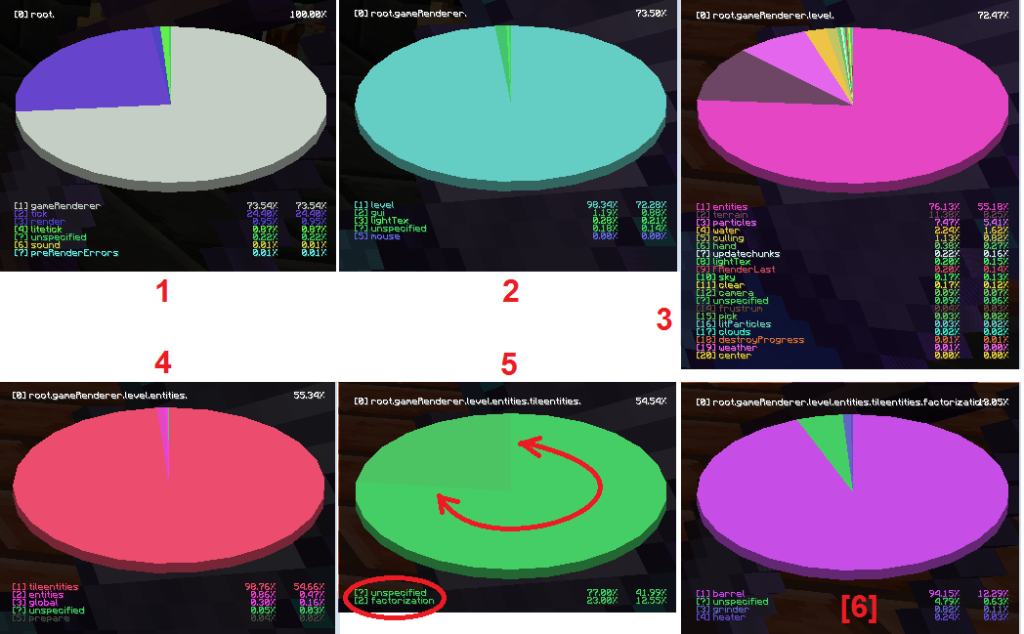
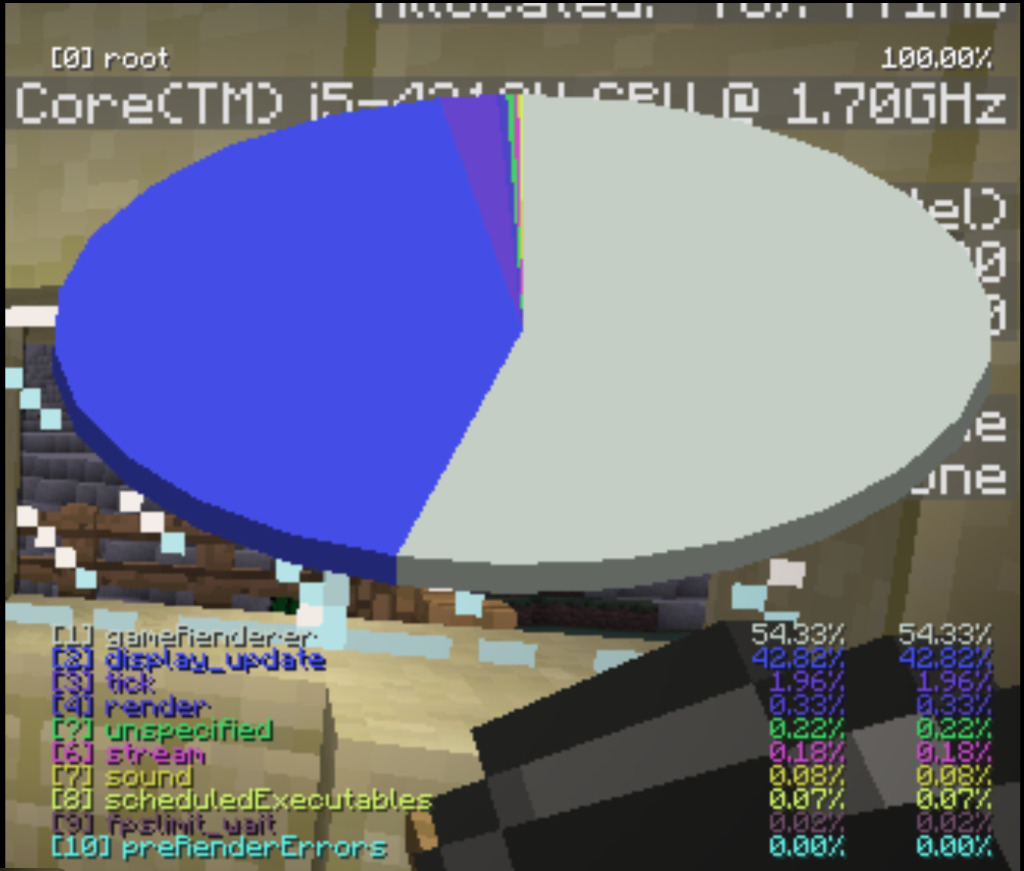
The debug pie chart is part of Minecraft Java Edition’s advanced debug tools. It visually breaks down how the game is using CPU time, showing categories like:
- Game ticks
- Rendering
- Entities
- World generation
- Network activity
It’s mainly used for performance debugging, especially when dealing with lag or stutters.
How to Open the Pie Chart (Correct Way)
Keyboard Shortcuts
Windows / Linux
Shift + F3
macOS
Fn + Shift + F3
(Some Mac keyboards may also require Cmd or Option)
Important: Pressing only F3 will NOT show the pie chart.
Common Reasons the Pie Chart Is Not Visible
1. Incorrect Key Combination
Many players press F3 instead of Shift + F3.
✔ Fix:
Hold Shift, then press F3 while in-game.
2. Keyboard Function Key Issues (Laptops & macOS)
On laptops, function keys often control brightness, volume, etc.
✔ Fix:
- Enable “Use F1, F2, etc. as standard function keys” in system settings
- Or hold Fn + Shift + F3
3. Pie Chart Disabled in Game Setting
Some versions allow debug tools to be restricted.
✔ Fix:
- Go to Options → Controls
- Search for Debug
- Ensure debug keys are enabled and not remapped
4. Using a Modded Client (OptiFine / Fabric / Forge)
Certain mods disable or override the pie chart.
✔ Fix:
- Temporarily launch Vanilla Minecraft
- Or check mod configs (especially OptiFine performance settings)
- Update mods to the latest compatible version
5. Playing on a Server with Debug Disabled
Some multiplayer servers restrict debug profiling.
✔ Fix:
- Test in Singleplayer
- If it works there, the server is blocking it (server-side limitation)
6. Old or Bugged Minecraft Version
Older versions or snapshots may have bugs affecting debug tools.
✔ Fix:
- Update to the latest stable Java Edition
- Avoid experimental snapshots unless required
How to Confirm the Pie Chart Is Working
Once activated correctly:
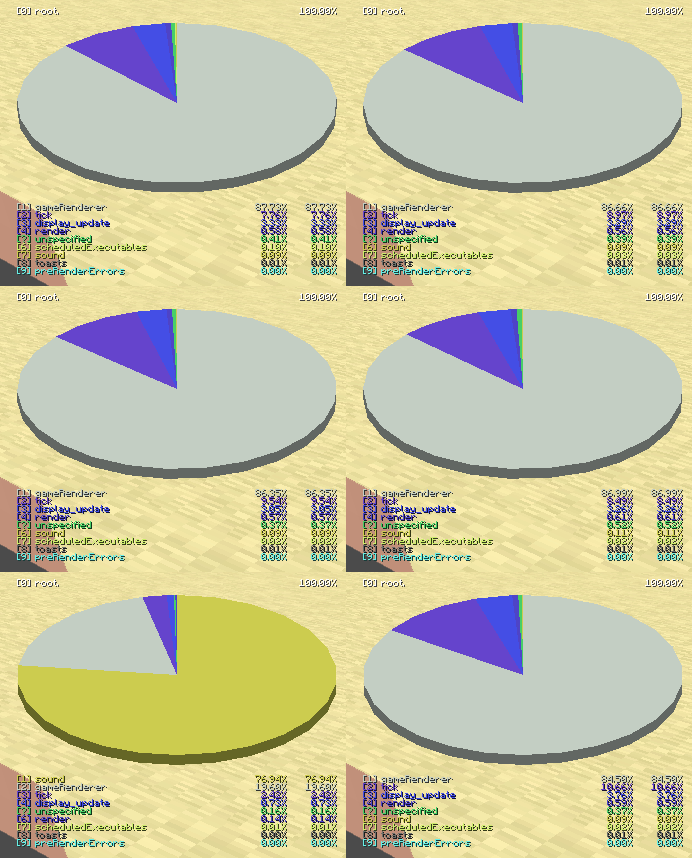
- A circular pie chart appears on the left side of the screen
- Use number keys (1–9) to drill down into categories
- Press Shift + F3 again to close it
Advanced Troubleshooting (If Nothing Works)
Try these last-resort fixes:
- Reset controls from Options → Controls → Reset Keys
- Remove all mods and resource packs
- Create a new test world
- Reinstall Minecraft Java Edition
Pro Tips for Using the Pie Chart Effectively
- High “Entities” usage? → Too many mobs or item frames
- High “Rendering”? → Lower render distance or shaders
- High “World Gen”? → Pre-generate chunks or explore less
This tool is especially useful for:
- Server admins
- Mod developers
- Performance tuning on low-end PCs
When the Pie Chart Still Doesn’t Appear
If none of the fixes work:
- Reset Minecraft controls to default
- Remove all mods and resource packs
- Reinstall Minecraft Java Edition
- Test with a fresh world
Final Thoughts
The debug pie chart in Minecraft Java Edition is an underrated but extremely powerful performance tool. In most cases, the issue is simply an incorrect key combination or a mod conflict. Once enabled, it gives you deep insight into what’s slowing your game down—and how to fix it.