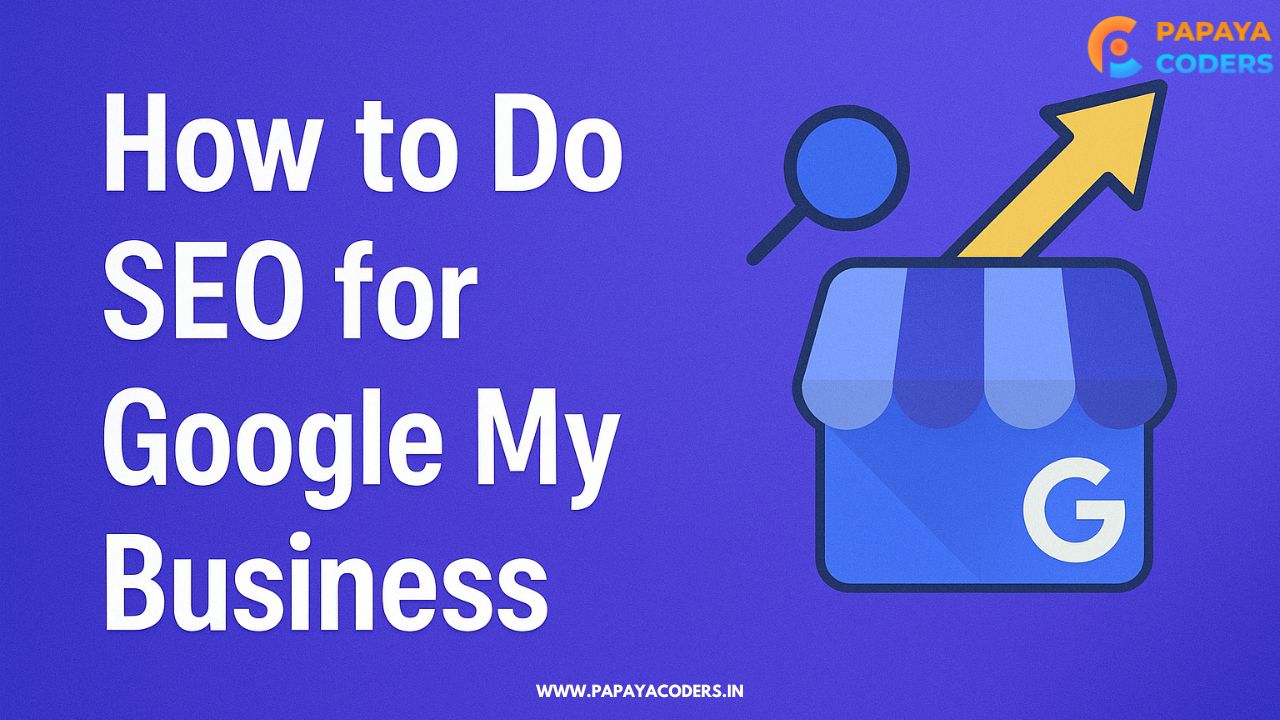
In today’s digital age, Google My Business (GMB) is still one of the best opportunities for small and large businesses to improve their online visibility. If you’re an SMB (small or medium-size business) owner or working in the capacity of a digital marketer, a well-optimized GMB listing can help to gather footfall, strengthen extensions, and pave way for walk-in customers in your vicinity.
In this guide, we are learning how to do SEO for Google My Business step by step to get your local business or personal brand higher in local search results.
What is Google My Business?
Google My Business is a free service provided by Google that enables business owners to control how their business is presented on Google Search and Google Maps. You can display your business name, address, phone number (NAP), hours, reviews, services provided, and photos all on your GMB listing.
Read also:-
- How much does Search Engine Optimization Cost [Update 2025]
- Top 250+ Social Bookmarking Submission Sites List
Why Is Google My Business SEO Important?
Optimizing your GMB profile helps you:
- Increase local visibility
- Rank in the Google 3-Pack
- Build trust through reviews
- Drive traffic to your website or physical location
Local SEO relies heavily on your GMB listing, so treating it like your digital storefront is crucial.
Step-by-Step Guide: How to Do SEO for Google My Business
1. Claim and Verify Your GMB Listing
Go to Google Business Profile and claim your business. Google will send a verification code via postcard, email, or phone.
Tip: Only verified businesses appear in local search results.
2. Use Accurate and Complete Business Information
Fill out every section of your profile:
- Business Name (exact as in real life)
- Address (consistent with other online directories)
- Phone Number (local number preferred)
- Business Category (primary and secondary)
- Business Hours (including holidays)
Consistency in NAP (Name, Address, Phone) across your website and listings is a critical SEO factor.
3. Write a Keyword-Rich Business Description
Your business description should:
- Include targeted local keywords (e.g., “plumber in Chicago”)
- Highlight your services and specialties
- Be customer-friendly and to the point
Example: “ABC Plumbing is a trusted plumbing company in Chicago offering affordable emergency services, leak repair, and more.”
4. Choose the Right Business Categories
Google lets you select a primary category and additional ones. Choose categories that precisely define your services.
Pro Tip: Don’t overuse irrelevant categories just to attract traffic—it can hurt your rankings.
5. Add High-Quality Photos and Videos
Visual content builds credibility. Add:
- Your logo
- Interior and exterior photos
- Team photos
- Product or service visuals
- Short videos introducing your brand
Google favors active listings with updated images.
6. Get and Respond to Reviews
Customer reviews directly impact your GMB SEO.
- Encourage satisfied customers to leave positive reviews
- Respond to all reviews (positive and negative)
- Use keywords naturally in your responses
Tip: Never buy fake reviews—Google penalizes this behavior.
7. Use Google Posts Regularly
Post updates, offers, events, and announcements using Google Posts. These appear directly in your business profile.
- Include targeted keywords
- Add a CTA (e.g., “Call Now,” “Learn More”)
- Post consistently (at least once a week)
8. Enable Messaging and Q&A
Activate Google Messaging to allow direct chats with potential customers.
- Be prompt in your replies
- Keep answers informative and helpful
- Monitor and manage the Q&A section regularly
9. Build Local Citations and Backlinks
Citations are listings of your business on platforms like Yelp, Bing Places, Yellow Pages, etc.
- Ensure consistency across all platforms
- Get backlinks from local blogs, directories, and news sites
This builds authority and trust for your GMB profile.
10. Track Performance with Insights
Google My Business provides Insights data like:
- How customers found your listing
- Actions taken (calls, clicks, direction requests)
- Views on search and maps
Use this data to improve your SEO strategy over time.
Final Thoughts: GMB SEO is Local SEO
These steps will ensure that you are using your Google My Business profile to it’s SEO maximum potential. Frequent updates, engaging with customers and correct business information are critical to compete in local search.